خيارات العرض
قم بتبديل المساعدات البصرية في الزاوية العلوية اليمنى من المحرر لتخصيص ما تراه أثناء النمذجة.
3D Viewer
Toggle 3D profile rendering to see the real shape of each member. When enabled, bars are displayed with their actual cross-section geometry. When disabled, they are shown as simple lines for faster navigation.
Grid
The reference grid provides visual guidance for modeling. Toggle it on/off with the grid button. The grid adapts to the current zoom level and helps align elements in 3D space.
Reference Lines
Reference lines show the global X, Y, and Z axes passing through the origin. Use the dropdown arrow to toggle individual axes. Useful for orienting yourself in 3D space and aligning structures to global directions.
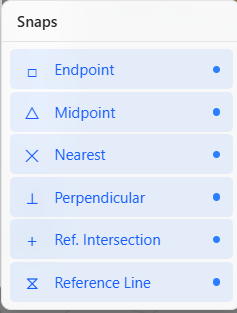
الالتقاط
يتحكم الالتقاط في كيفية تثبيت المؤشر على النقاط الهندسية.
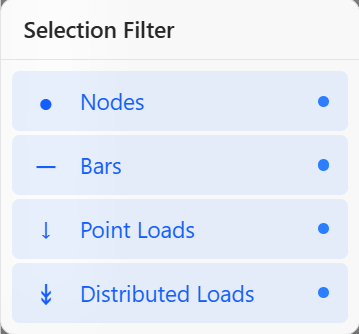
فلتر التحديد
يتحكم فلتر التحديد في أنواع العناصر التي يمكن تحديدها.